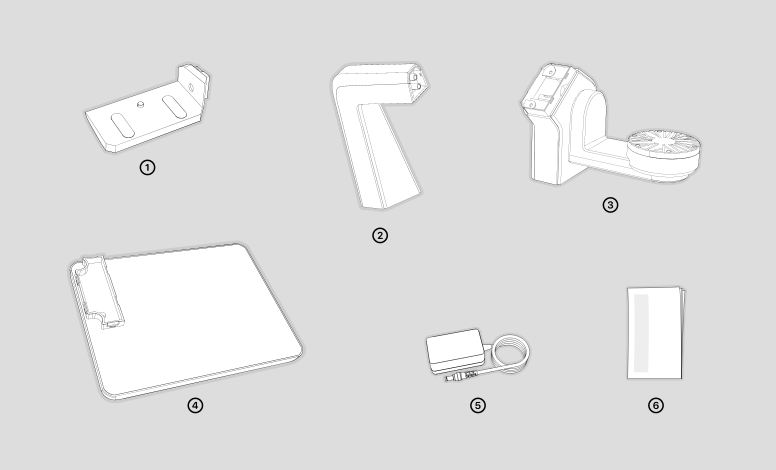
Lista di Imballaggio
La lista di imballaggio e la seguente.(Product images are for illustrative purposes only.)
①Turntable Module 1 ②Turntable Module 2 ③Turntable Module 3 ④Turntable Module 4 ⑤Alimentatore ⑥manual
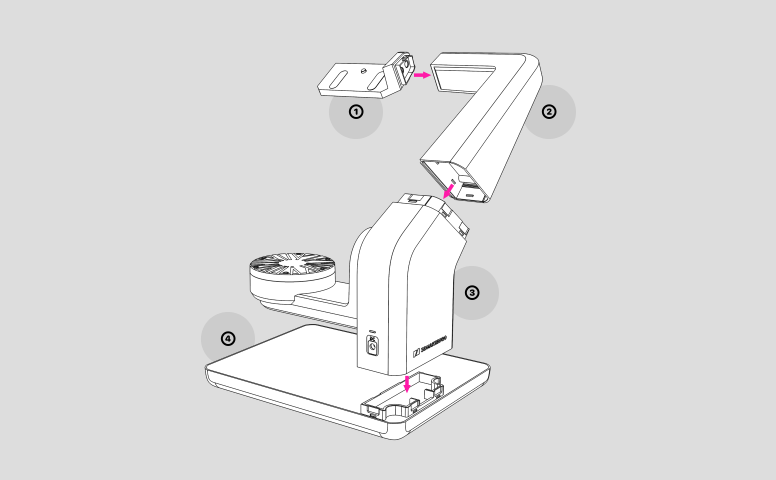
Assemblare i Moduli
Please follow the above image to assemble the four modules. We recommend you to assemble Module 1 and 2 together, assemble Module 3 and 4 together, then connect the two parts together.
Connessione Dispositivo
Connessione Hardware
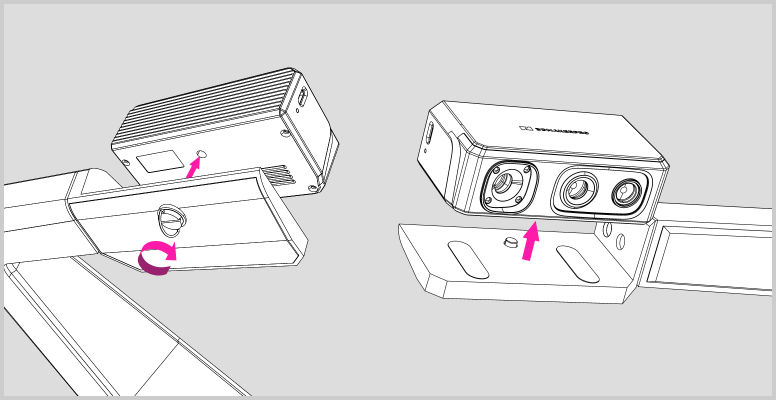
①Align the device with the turntable bracket(Module 1), and make sure the cameras face towards the mini-turntable; then align the thumb screw with the screw hole on the device, screw it in and tighten it.
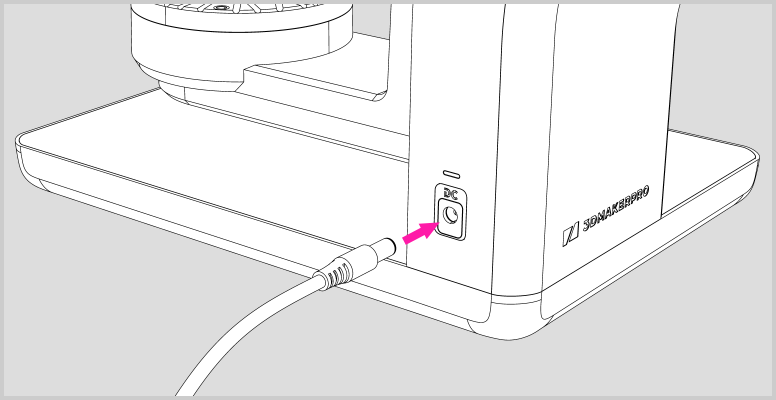
②Plug the DC connector of the power supply into the DC port on Module 3, then find a power source to power the multi-axis turntable up.
Software Connection
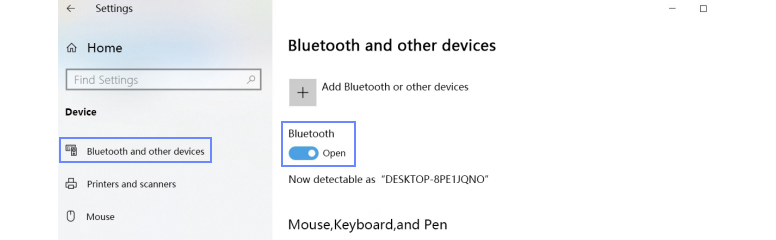
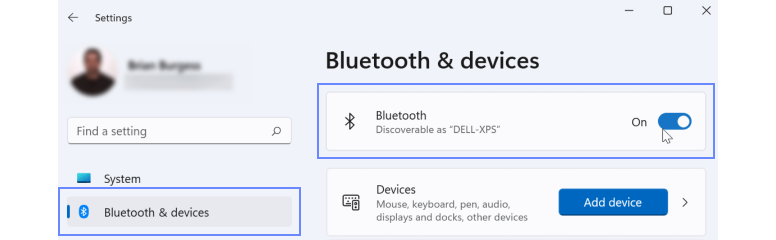
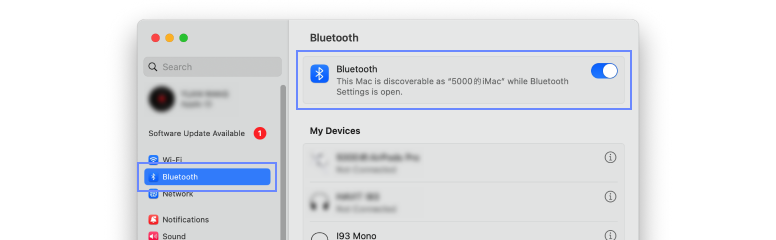
①Multi-axis turntable connects to JMStudio software through Bluetooth. Please make sure your PC Bluetooth is enabled, or use a Bluetooth receiver if there’s no Bluetooth capability.
On Windows10
On Windows11
On macOS
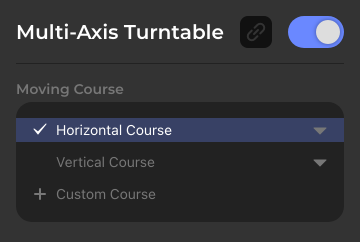
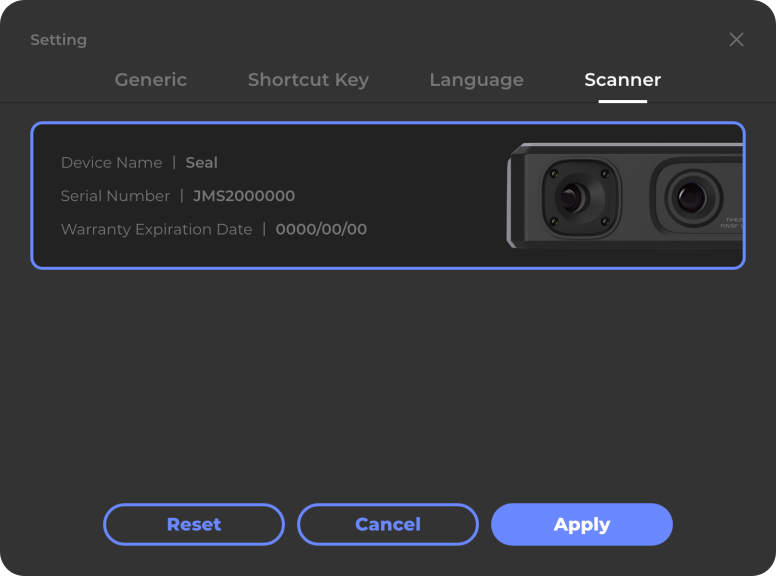
②Please make sure you’re in the latest version of JMStudio; open the software and rename the device as Seal or Seal lite in the Setting. Then go back to the main interface and switch into Easy Scan panel in Modalità Lavoro; Multi-Axis Turntable Panel will show below the Work Panel.


③Click the buttons on the Multi-Axis Turntable Panel to enable the function and expand this panel; then refresh the connection status icon beside until it’s turning black.