Software Installation
Operating System Requirement
iOS
The app requires iOS 16.0 or later. it's recommended to use iphone 12 or a higher upgrade.
Installation and Updates
You can search RayStudioMobile in app store or visit JMMeta to download the app.
Please make sure you're using the lastest version so that we can serve you better.
Scanner and Cellphone Connection
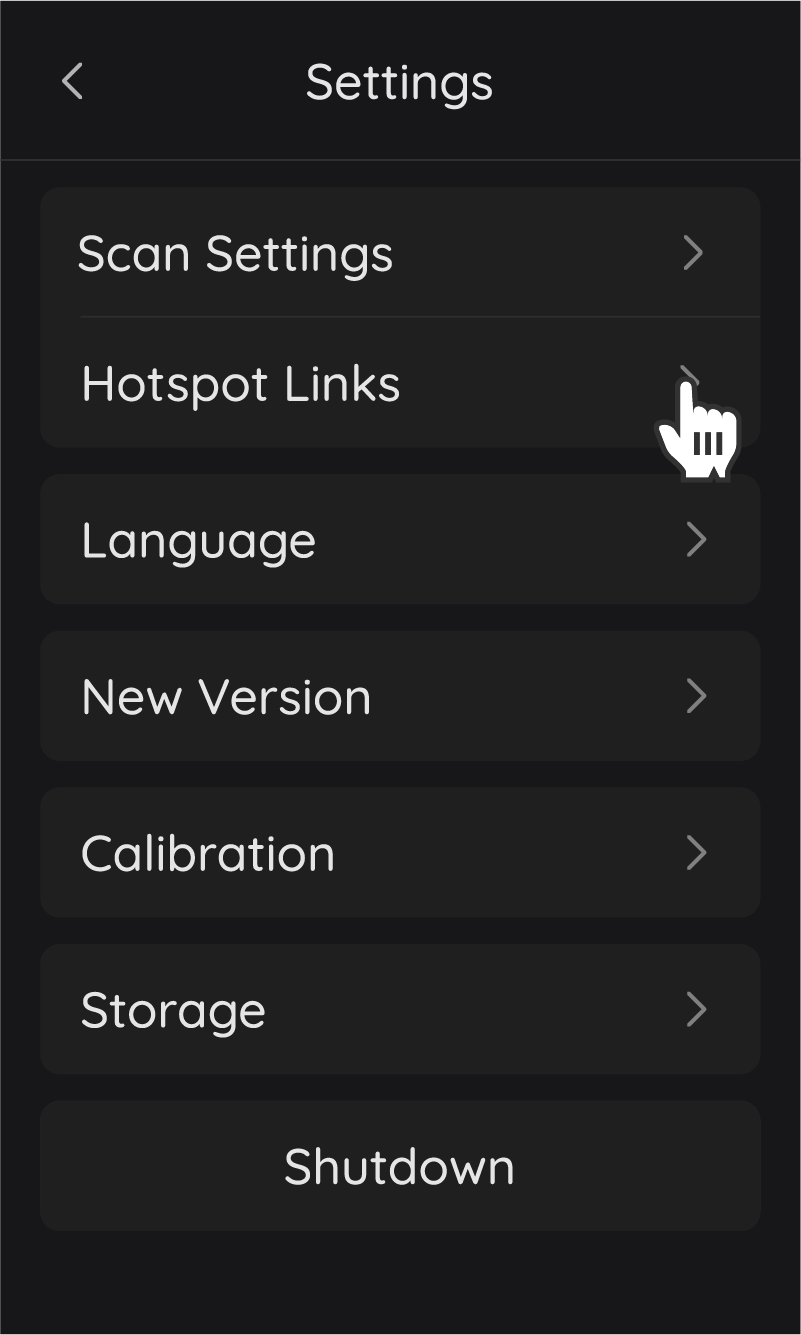
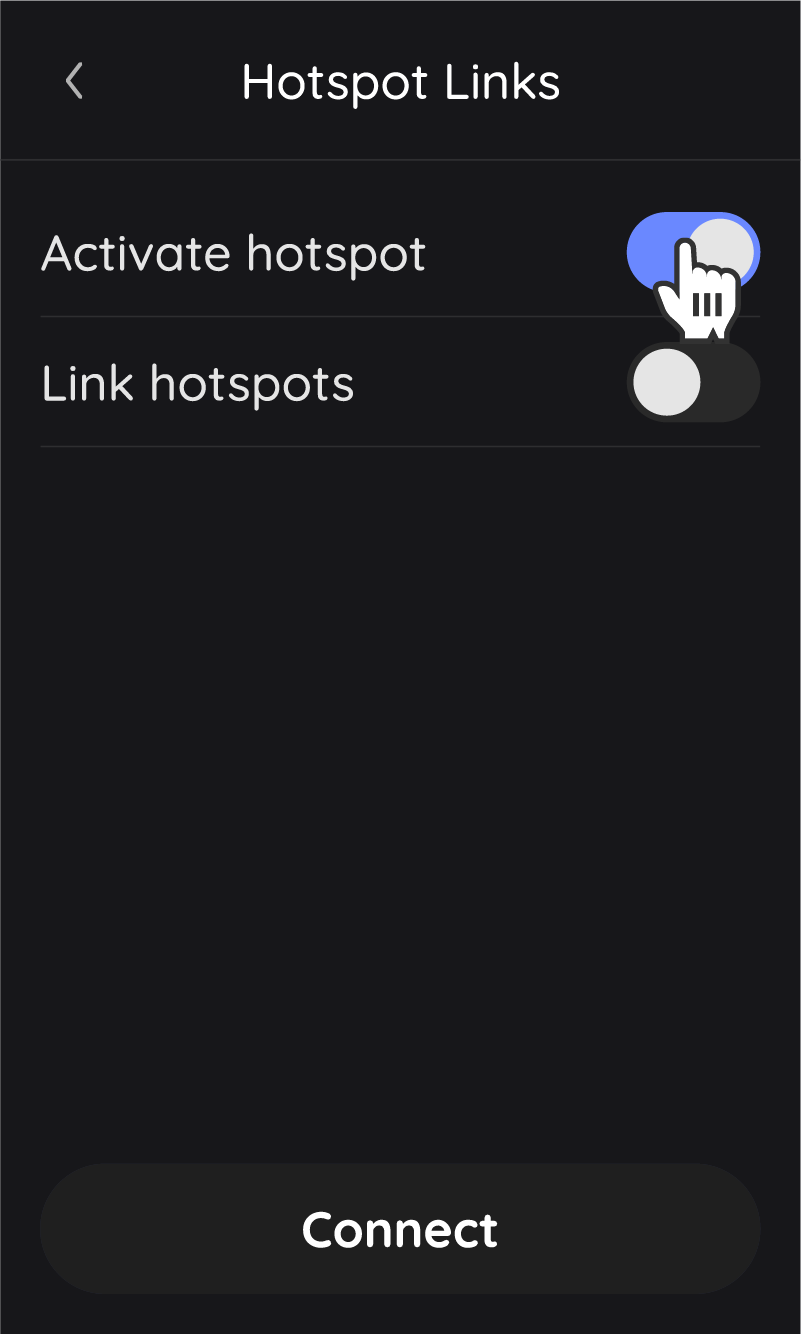
After the device activates the hotspot, the mobile phone connects to the device WiFi, and finds the device in the software to connect, and then you can control the device through the mobile phone. Here's how
①To enable Activate hotspot on the air scanning device:

②Turn on the mobile network connection, find the device WIFI, and connect.
WIFI name: Rayzoom G100
Password: 12345678
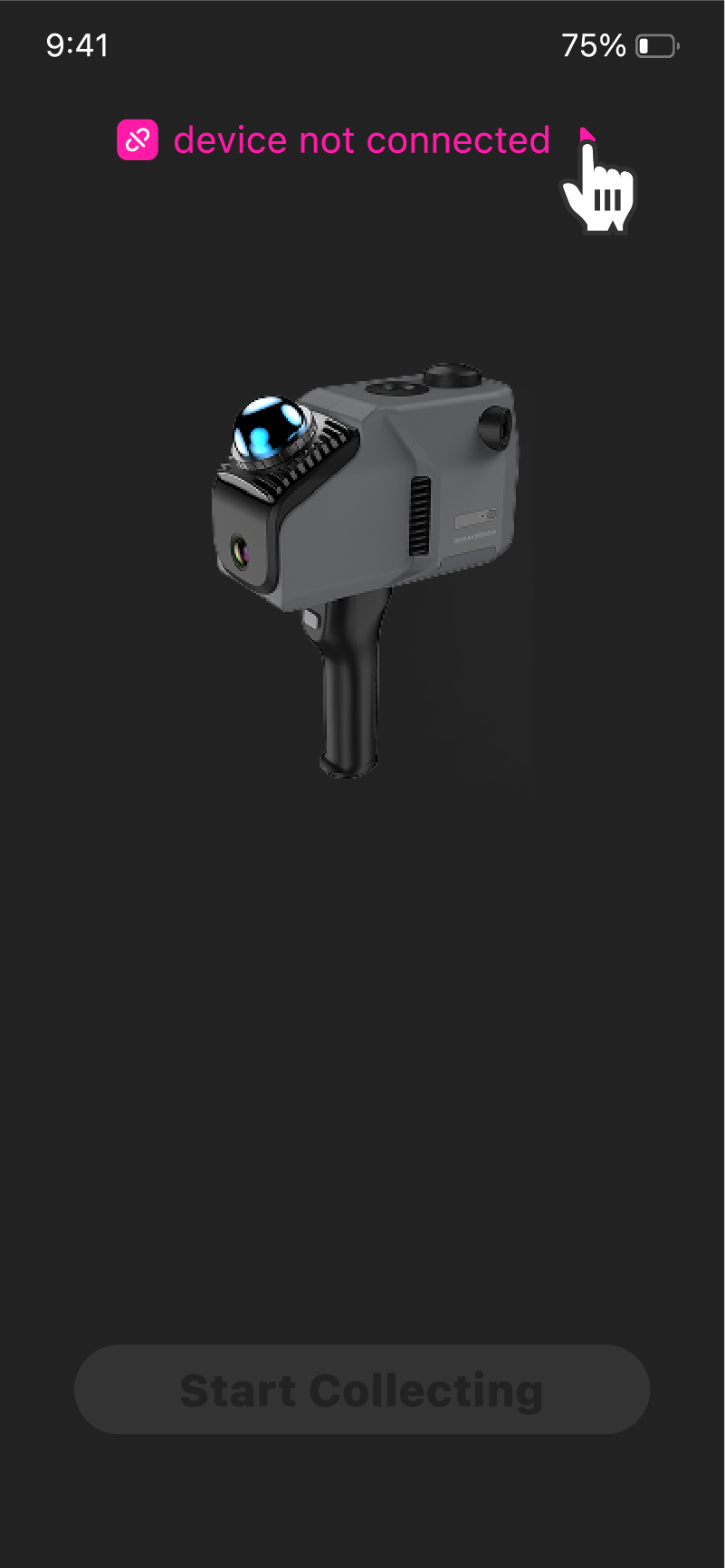
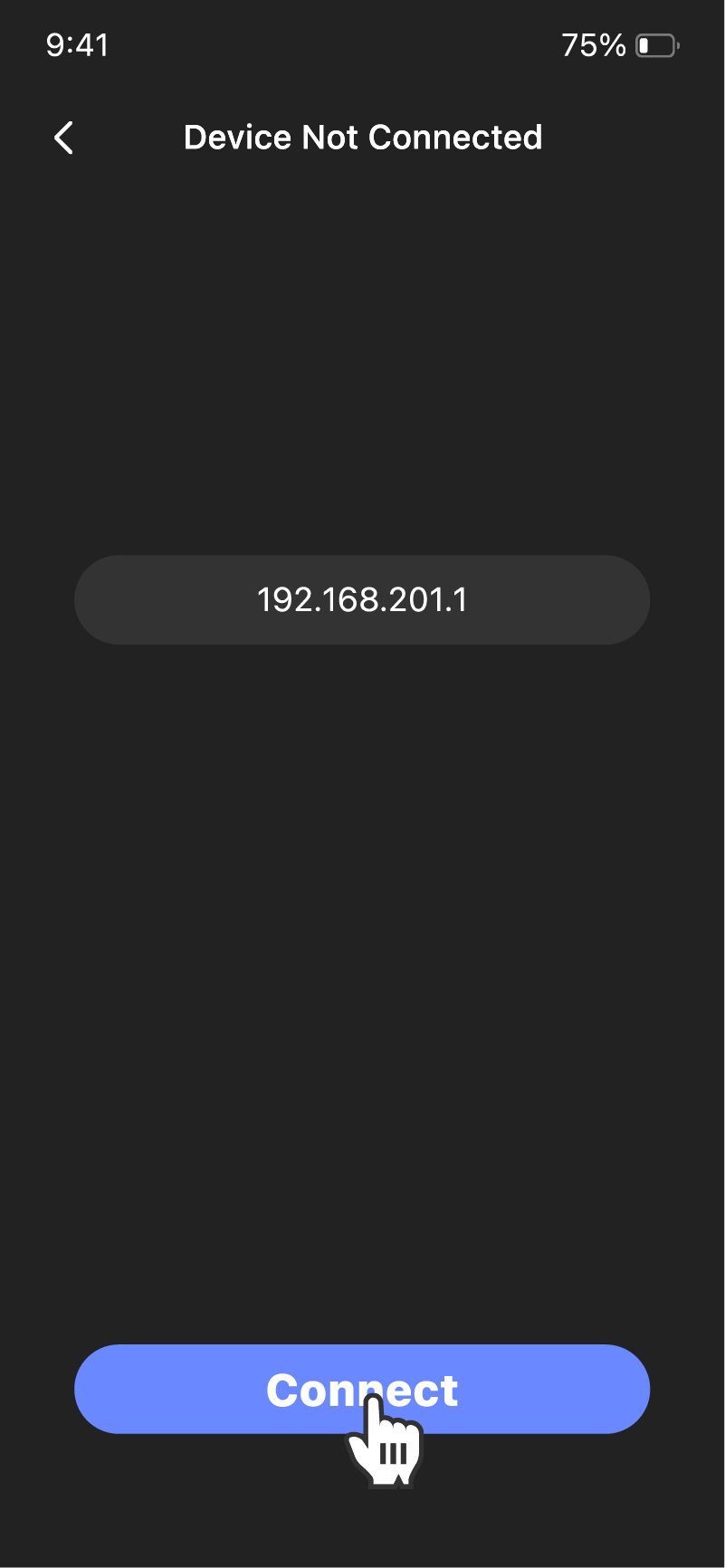
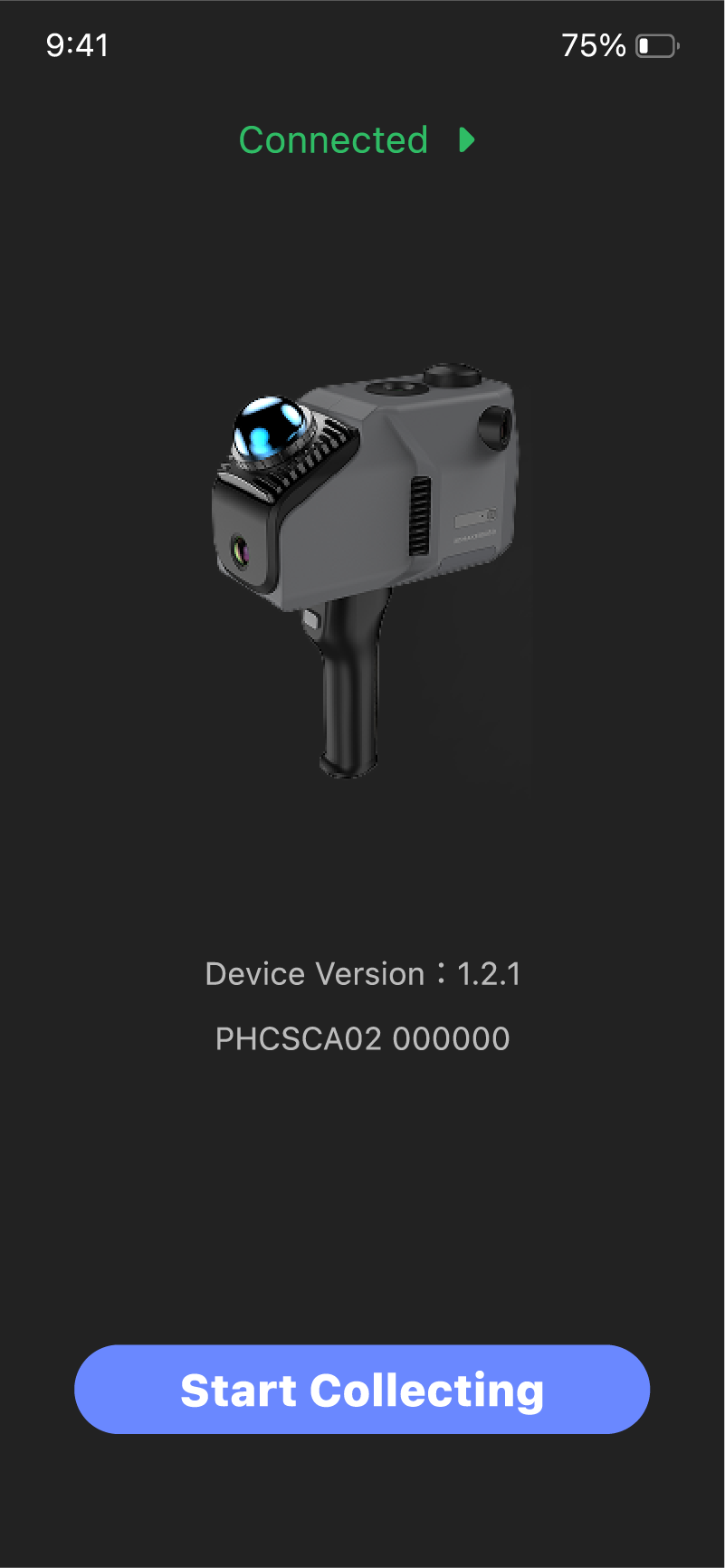
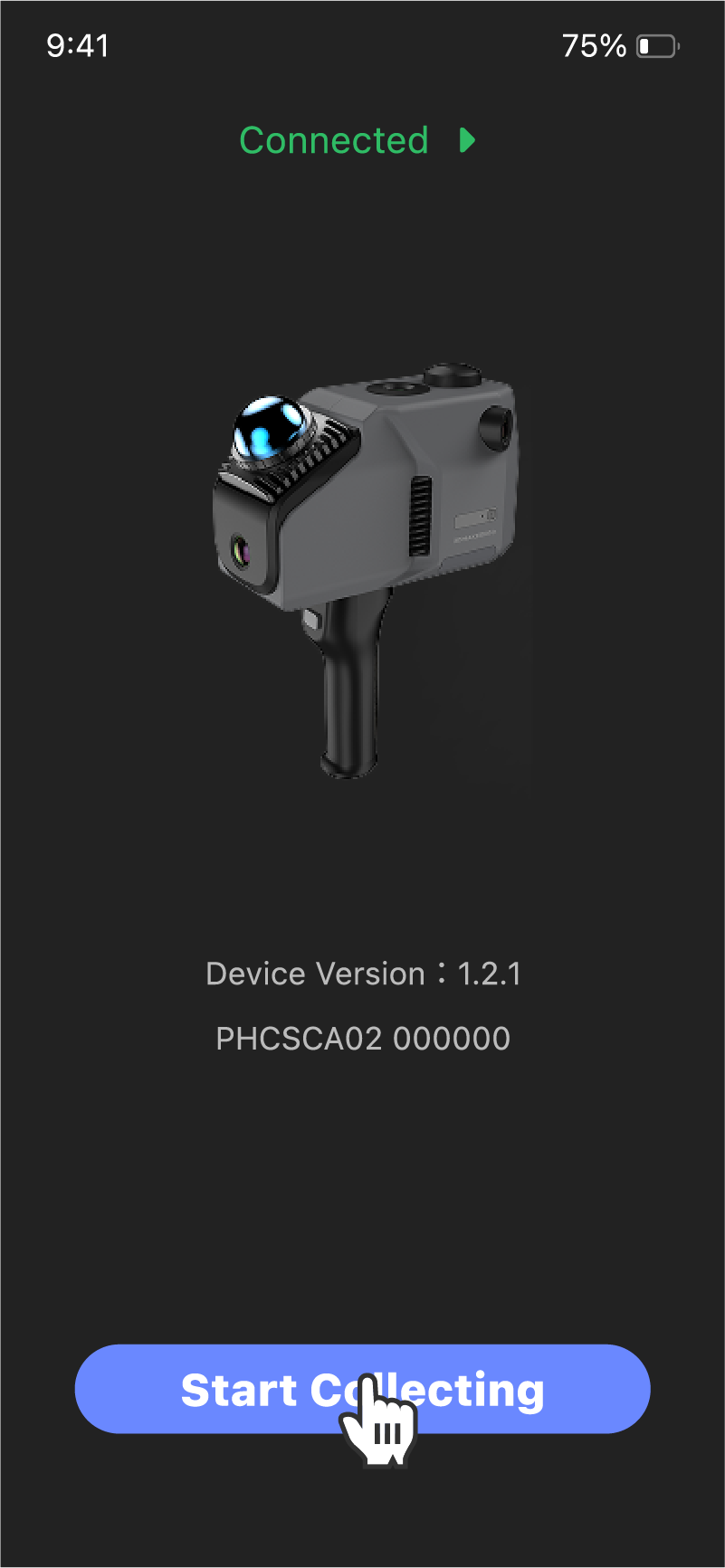
③On the home page of the software, enter the connection interface and click Connect. After the connection is successful, the information about the device will be displayed:

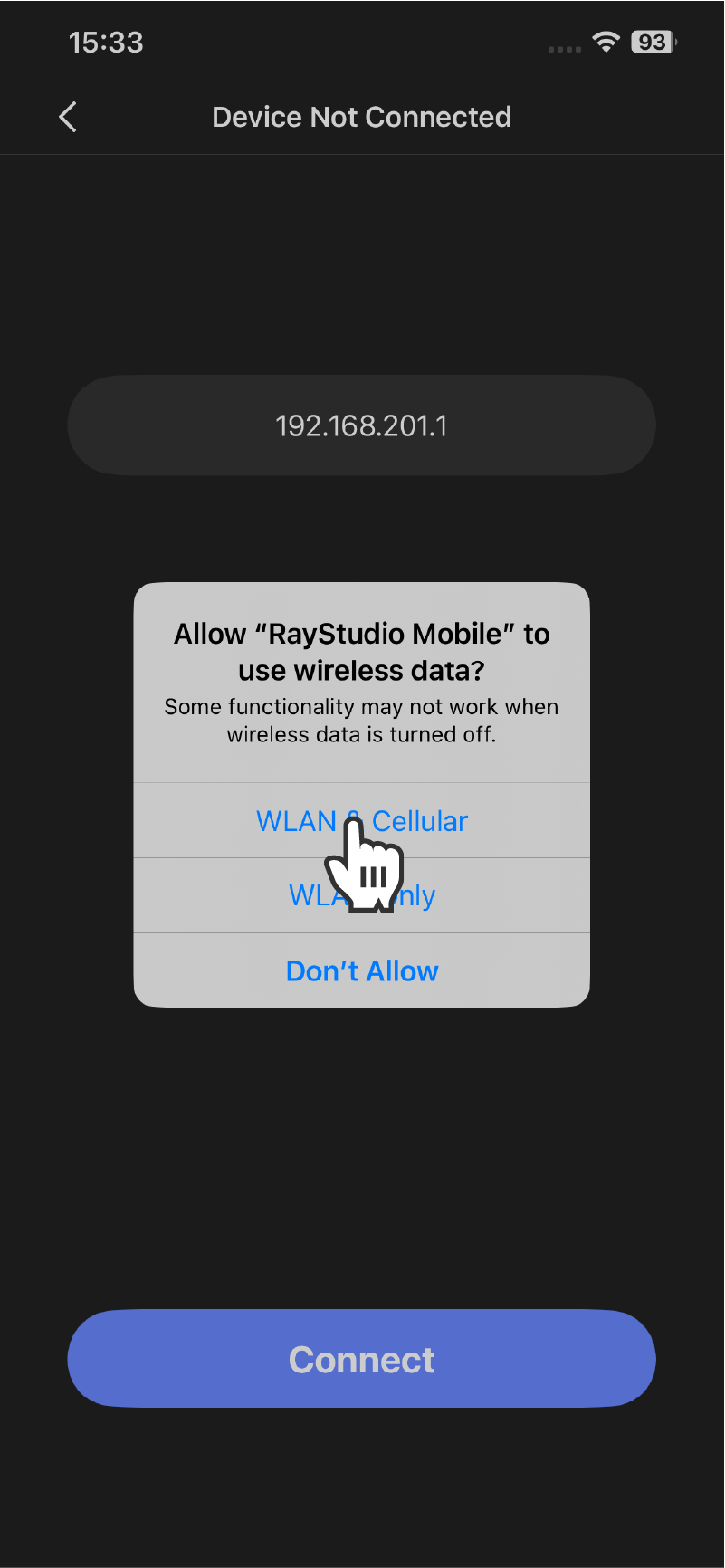
(Optional) ④ For the first connection, authorization is required.
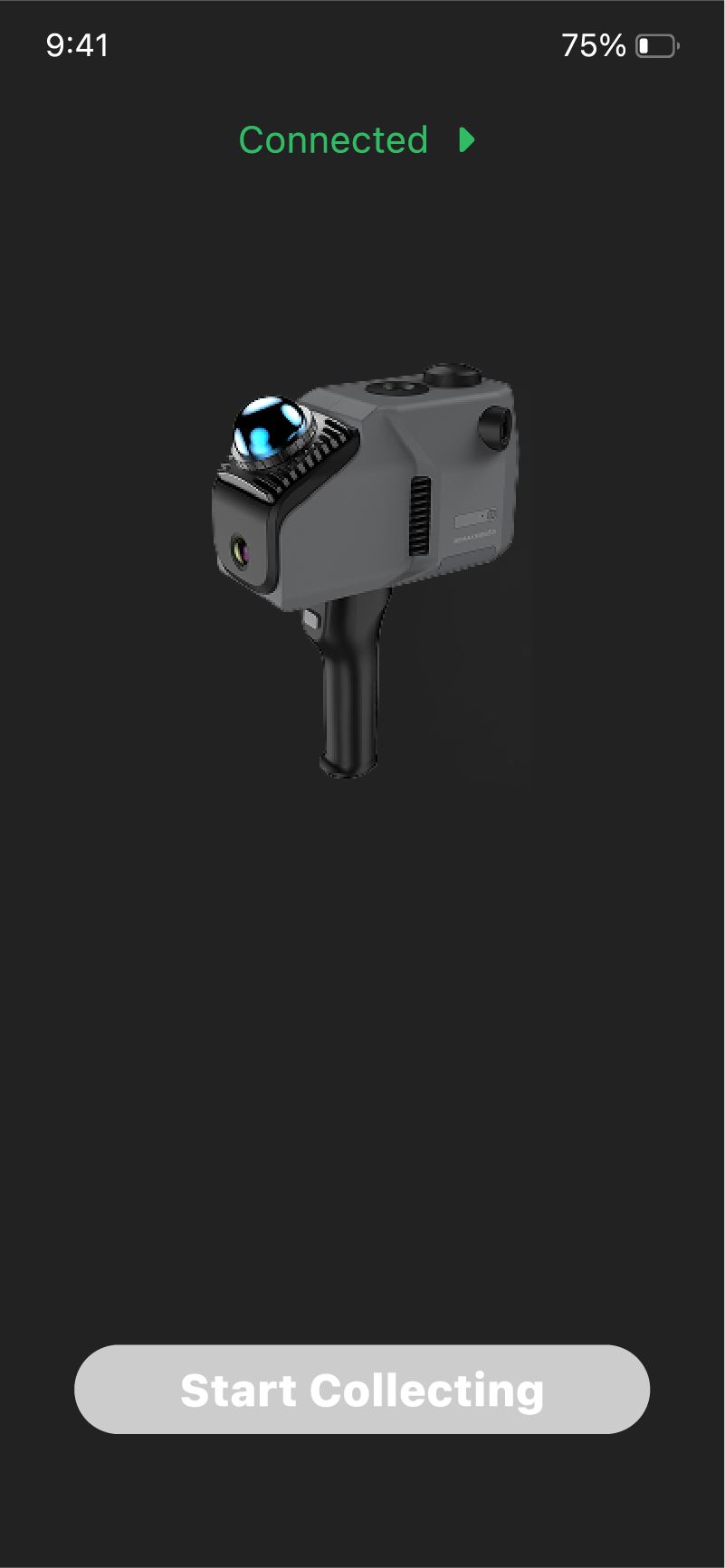
⑤After the connection is successful, you can scan.
First scan after scanner reboot
If the system does not align the time, the button will be grayed out, and the mobile terminal will automatically refresh the button after the timing is completed on the device.
Subsequent scan after scanner reboot
When the system has been checked, the scan button can be directly controlled on the mobile terminal.
Scan
After the device completes the time alignment, you can control the scanning and ending of the device and take photos in fixed-point mode through your mobile phone. Here's how
①Click Start Scan:
②View the current scan status
In fixed-point capture mode, tap  in the lower right corner to take a photo.
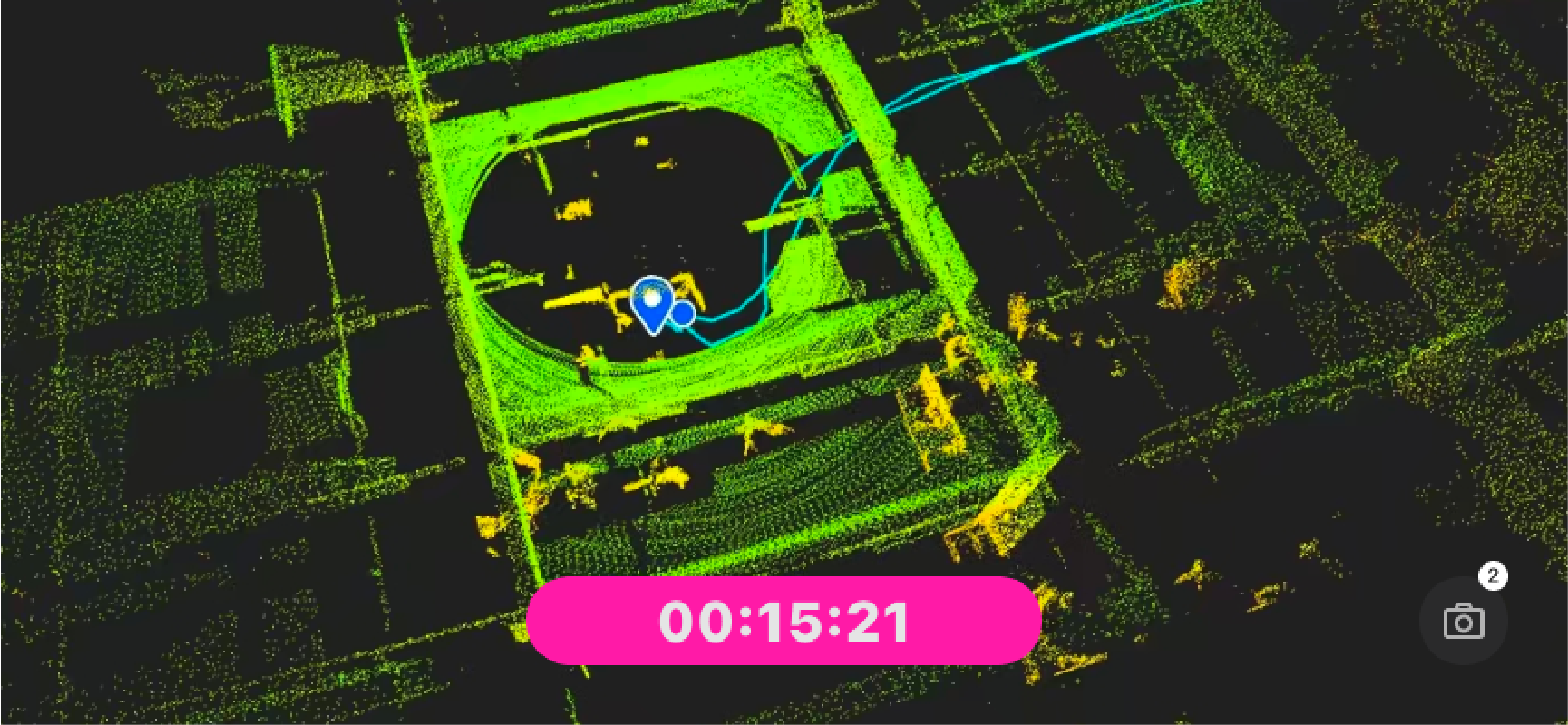
③Tap the timer to end scanning